Interior shades
Roller and compatible Roman systems need a motor matched to size, fabric weight, tube or drive configuration, and available power.

Motorization for compatible Uprise shades and drapery, using Automate by Rollease Acmeda. Choose the motor, power, everyday controls, and smart-home connection as one specification.
Roller and compatible Roman systems need a motor matched to size, fabric weight, tube or drive configuration, and available power.
Track length, fabric weight, opening direction, and mounting conditions guide the drapery motor selection and power arrangement.
Outdoor motors must match the guided screen, lock, tension configuration, and exposure. Review charging access or wired power at the site.
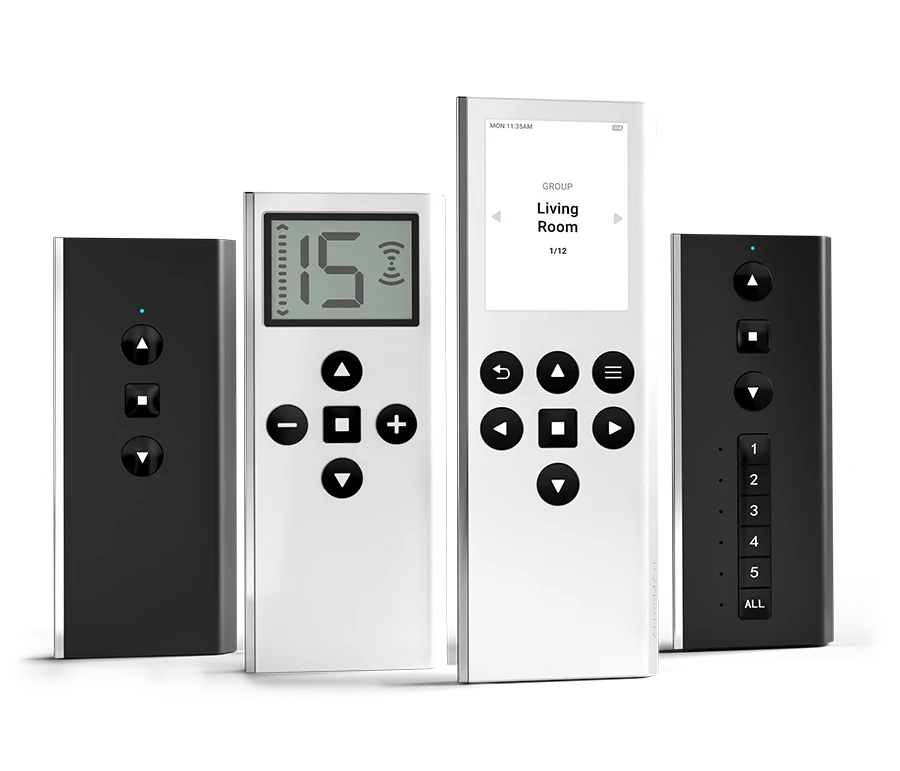
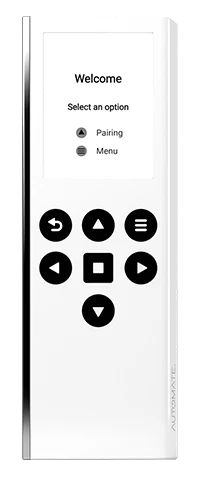
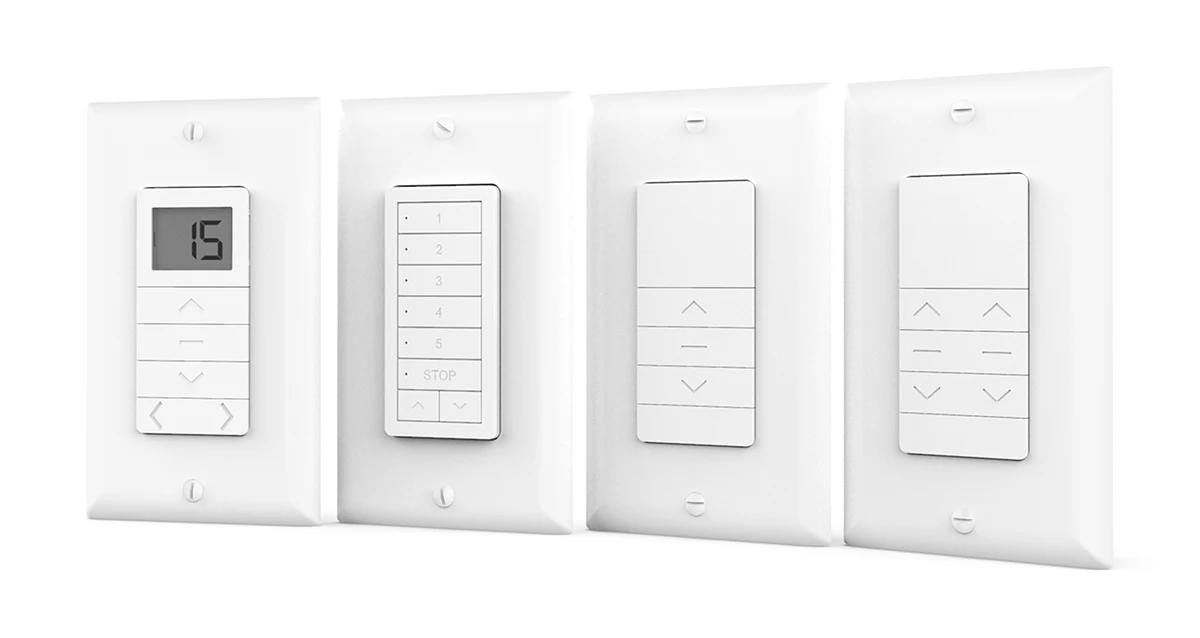
Use dedicated controls for direct everyday operation. Automate’s Push range includes ONE, 5, 15, and PRO controllers with different shade and group capacities. Confirm the controller’s compatibility and programming method.
Connect compatible motorized shades through Bond for app-based control and supported automation functions. Confirm the motor technology and intended operation before specifying.
Explore Bond integrationCoordinate the selected automation platform, current driver or interface, and required shade functions with the integrator. Plan pairing, network access, and commissioning together.
Bond Bridge Pro connects compatible RF-controlled shades to the Bond Home app and supported smart-home platforms. Bond lists Rollease Acmeda ARC and Basic motor technologies in its compatibility resources; have Uprise confirm the exact motor and required commands.
The bridge supports 2.4 GHz Wi-Fi, Ethernet, and Power over Ethernet. It can be mounted on a wall or ceiling, with placement planned around RF coverage and network access. Bond lists support for up to 50 devices per bridge; larger projects need a site-specific coverage and capacity review.
Use the Bond Home app for supported individual and group operation and scheduling. Confirm which position commands and feedback the selected motor technology provides. A screen showing a position should not be assumed to confirm actual movement for every motor type.
Bond manuals, references & videos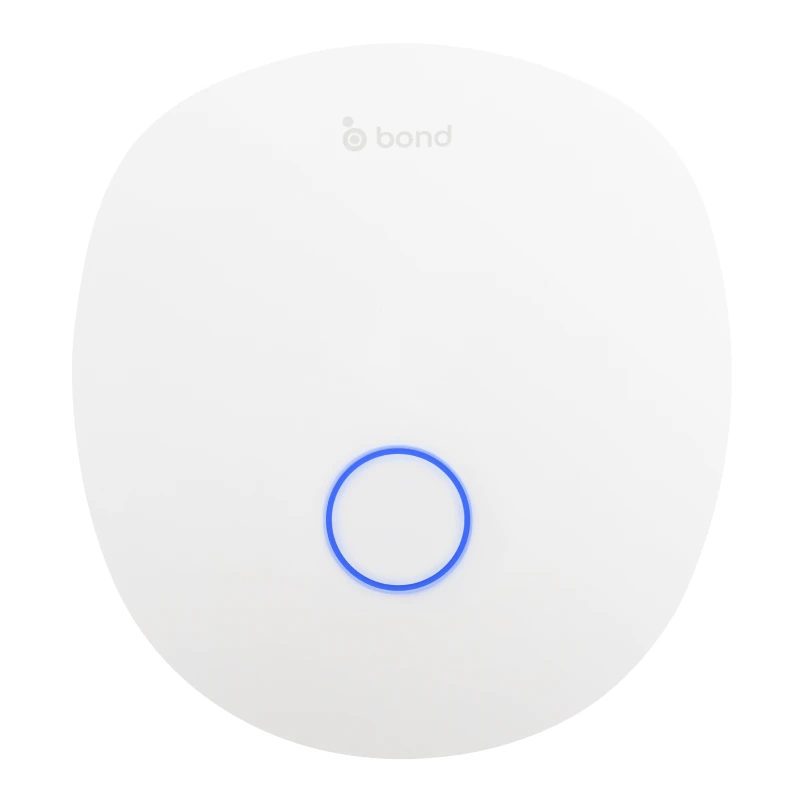
Bond lists integration systems including Control4, Crestron, Savant, RTI, and URC. Review the current driver, supported functions, and commissioning responsibility for the chosen platform.
Bond lists Alexa, Google Home, SmartThings, and Josh.ai among its supported control ecosystems. Confirm the accounts, network, devices, and commands needed for the project.
Pair the approved motor, test each shade and group, and verify the requested routines. Keep a suitable dedicated remote or wall control available for everyday operation.
Consider when routing new wiring is difficult. Plan charging access and the approved charger; charging frequency depends on motor, load, travel, and usage.
Coordinate the motor supply, wiring route, accessible power equipment, and any multi-motor distribution requirements with the installer.
Some drapery and exterior configurations use line power. Plan the correct supply, connection, isolation, and service access for the selected equipment.
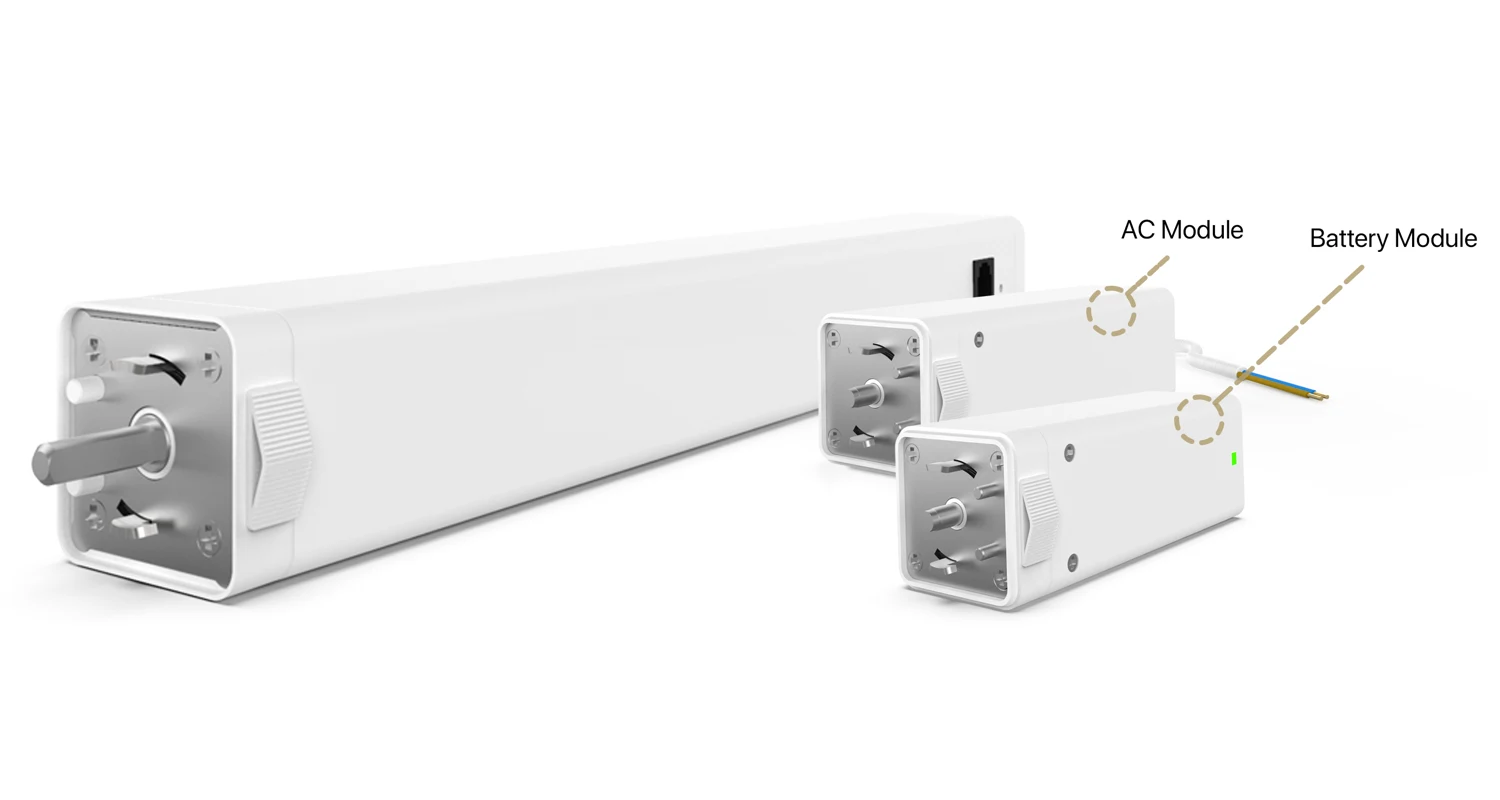
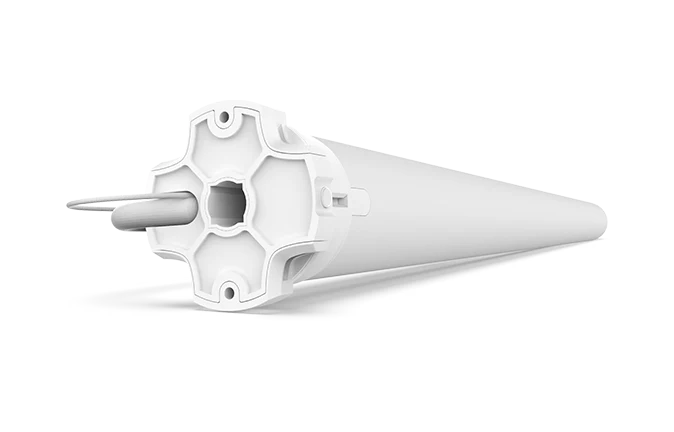
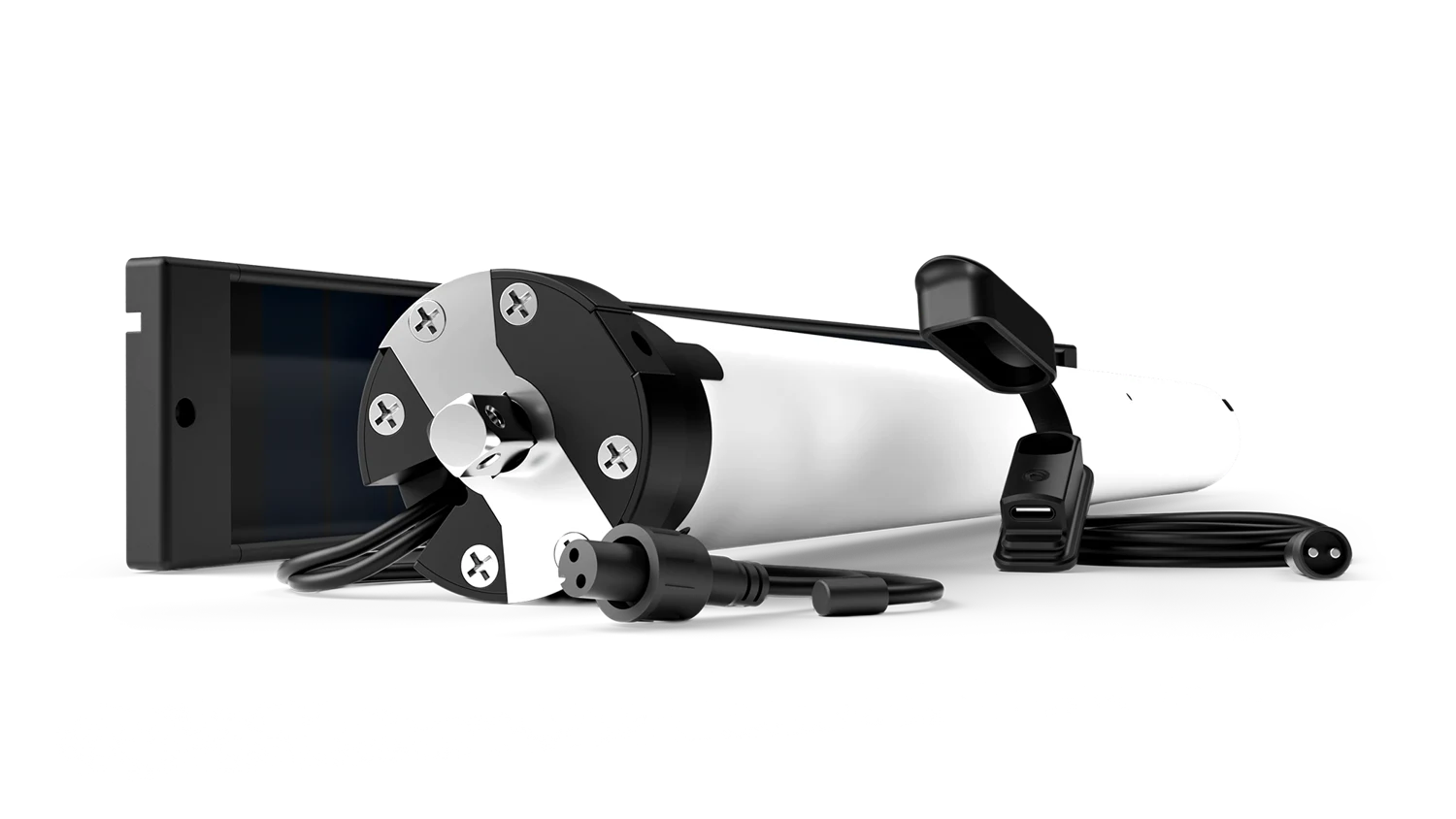
Product imagery: Automate
List every treatment, dimensions, fabric or drapery weight, track or tube system, location, and desired movement.
Identify available power and installation-stage constraints. Include charging reach, ceiling recesses, cable routes, and service access.
Specify remote or wall controls, shade groups, app use, required smart-home platform, and the expected scenes. Identify who will configure each system.
Confirm motor limits, pairing, direction, hub connectivity, and actual routine behavior. Record room names, equipment references, charging instructions, and support contacts.
Bond lists Rollease Acmeda ARC and Basic technologies in its supported motorization resources. Confirm the exact motor, commands, and current firmware for the Uprise configuration.
A compatible dedicated remote can provide direct motor control. Bond Bridge Pro adds supported app and automation integration functions.
Bond lists systems including Control4, Crestron, Savant, RTI, and URC. The integrator should confirm the current driver and required functions for the selected platform.
Position commands and feedback depend on the motor technology and integration. Confirm supported behavior and test it during commissioning.
No. Motor choice depends on product family, load, hardware, power, and installation. Uprise must confirm the approved motor for each treatment.
Share the application, dimensions, product choices, and control requirements so Uprise can review the configuration.